

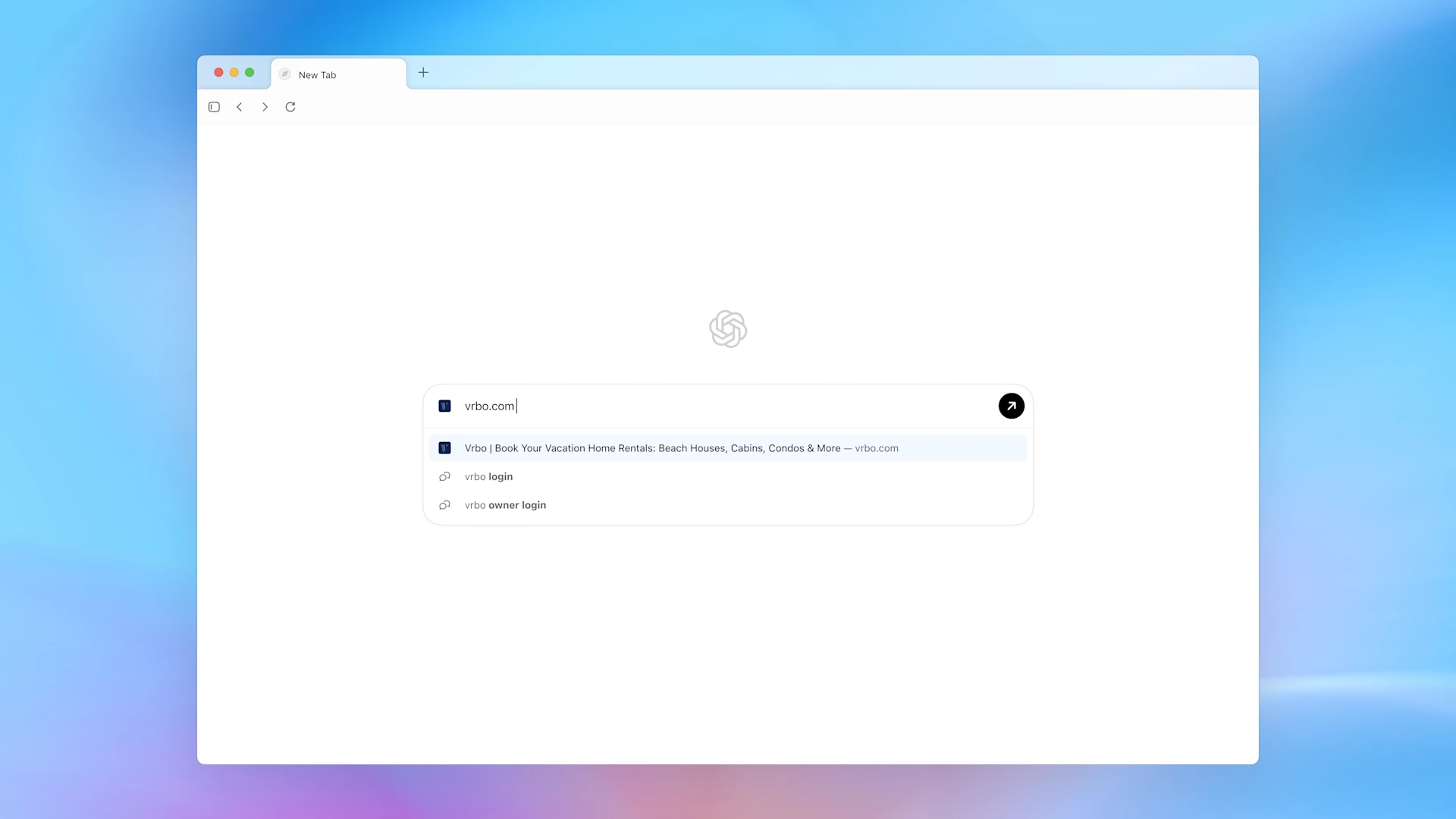

SAN FRANCISCO – OpenAI has officially launched ChatGPT Atlas, a new web browser built with ChatGPT at its core, aggressively entering the AI-powered browser arena. This new offering significantly expands OpenAI’s product lineup beyond its flagship products like ChatGPT and Sora, signaling a move to become a central part of users’ daily digital lives.
OpenAI positions Atlas not just as a browser, but as a “true super-assistant” designed to rethink the way users interact with the web, promising a more seamless and smart browsing experience through deep AI integration.
Who Can Use Atlas Now?
- Availability: ChatGPT Atlas is currently available only for macOS users globally (Free, Plus, Pro, and Go users).
- Future Plans: OpenAI has confirmed that experiences for Windows, iOS, and Android are “coming soon,” but no fixed timeline has been provided.
- Agent Mode: While the browser is free to download, its major selling point, Agent Mode (for automating multi-step tasks), is available only in preview for Plus, Pro, and Business/Enterprise users.
How to Get Started with Atlas
Users can begin using the new AI browser with a few simple steps:
- Navigate to chatgpt.com/atlas to download the application.
- Log in with an existing ChatGPT account to integrate existing ‘memories’ and conversation history.
- Users will be prompted to import bookmarks, passwords, and history from browsers like Chrome, Safari, or Firefox.
- Atlas can be set as the default browser via
Settings → General → Set default.
Key AI Features Redefining Browsing
Atlas incorporates several cutting-edge AI features, moving beyond traditional browsing functions:
- ChatGPT as a Companion: ChatGPT resides in a sidebar, accessible via an “Ask ChatGPT” option. It can draft emails, generate code, autofill forms, summarize content directly from the webpage, and answer context-specific questions—all without switching tabs.
- AI-Powered Search: Searches conducted from the status bar are routed through ChatGPT instead of traditional engines like Google or Bing. Atlas provides a similar experience to a search engine with support for contextual tabs (images, videos, news) and displays search results in a split view alongside the chat sidebar.
- Agentic Mode (Preview): The standout feature allows the AI to perform complex, multi-step actions on the user’s behalf. This includes tasks like booking reservations, ordering groceries, creating purchase lists, and planning events, by working with the user’s browsing context.
- Memory-Based Personalization: Atlas is built with memory, allowing ChatGPT to recall sites visited and activities performed to personalize its responses. Users can ask complex queries like: “Find all the job postings I was looking at last week and create a summary of industry trends so I can prepare for interviews.” Users retain full control and can view or archive these browser memories.
- In-Line Editing: This feature simplifies text revision. Users can select text (e.g., in an email) and click the ChatGPT icon directly to refine it or change its tone, eliminating the need for constant copying and pasting.
The launch of Atlas signifies a major step toward creating a truly intelligent, context-aware “super-assistant” that seamlessly integrates into the user’s workflow.