
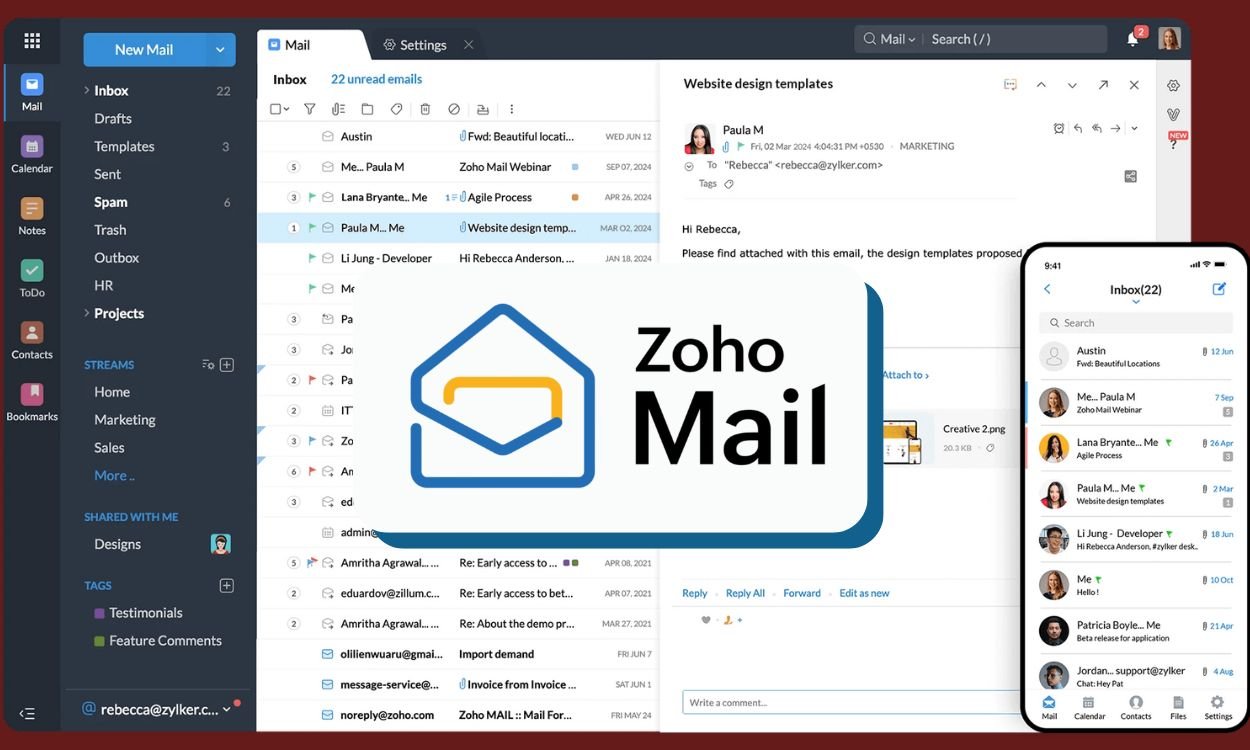

In an increasingly crowded digital landscape, a growing number of users are seeking refuge from data-hungry tech giants, and Google’s ubiquitous Gmail is no exception. Zoho Mail is rapidly emerging as a popular alternative for professionals, small businesses, and everyday users who are prioritizing a private, ad-free, and productivity-oriented email experience.
The shift is fueled by a desire for greater control and a cleaner inbox. Unlike Gmail, which scans email content to serve targeted ads (unless you have a paid Google Workspace account), Zoho Mail offers a completely ad-free interface across all its plans, including the free tier. This commitment to privacy, combined with robust features like custom domain support and strong encryption protocols, is making it a compelling choice.
For those tired of a cluttered interface and concerned about how their data is being used, making the switch is surprisingly straightforward. If you’re considering a move, here’s a simple guide to transfer your entire email setup from Gmail to Zoho Mail without losing any of your important data.
How to Seamlessly Migrate from Gmail to Zoho Mail
The process involves enabling access in your Gmail account and then using Zoho’s built-in tools to pull your data across. Follow these five steps for a hassle-free transition.
Step 1: Create Your Zoho Mail Account
First, you need a destination for your emails.
- Visit the official Zoho Mail website.
- You can sign up for the “Forever Free Plan,” which offers 5GB of storage and support for a single custom domain, or choose a paid plan if you require more storage and features.
Step 2: Enable IMAP Access in Gmail
To allow Zoho Mail to import your old emails, you need to enable IMAP (Internet Message Access Protocol) in your Gmail settings.
- Log in to your Gmail account.
- Click the Settings gear icon in the top-right corner and select “See all settings.”
- Navigate to the “Forwarding and POP/IMAP” tab.
- In the “IMAP access” section, select “Enable IMAP.”
- Click “Save Changes” at the bottom.
Step 3: Use Zoho’s Built-in Migration Tool
Zoho makes the import process easy with its user-friendly migration wizard.
- Log in to your new Zoho Mail account.
- Go to Settings > Import/Export.
- Use the Migration Wizard to begin the process. You will be prompted to enter your Gmail credentials to authorize the connection.
- You can choose to import your emails, folders, and contacts directly from Gmail. The tool will replicate your existing folder structure, keeping your inbox organized just the way you like it.
Step 4: Set Up Email Forwarding from Gmail
To ensure you don’t miss any new emails sent to your old address during the transition, set up automatic forwarding.
- Go back to your Gmail Settings > Forwarding and POP/IMAP.
- Click “Add a forwarding address” and enter your new Zoho Mail address.
- Gmail will send a verification code to your Zoho Mail inbox. Enter this code back in Gmail to confirm.
- Once verified, select the option to “Forward a copy of incoming mail to…” and choose your Zoho Mail address from the dropdown.
Step 5: Update Your Contacts and Services
The final step is to make your new address official.
- Inform your key contacts about your new email address.
- Take the time to update your email address across all important online services, such as banking, social media, subscriptions, and any other accounts linked to your old Gmail. This will ensure you don’t miss critical notifications in the future.
By following these steps, you can smoothly transition to a more private and productive email environment without leaving your valuable data behind.